
How can I stop a recurring practice series?
Use End Recurrence. You can leave it as Never, stop on a specific date, or stop after a set number of occurrences.
Stopping a recurring practice series
- Open the Calendar and select the recurring practice series.
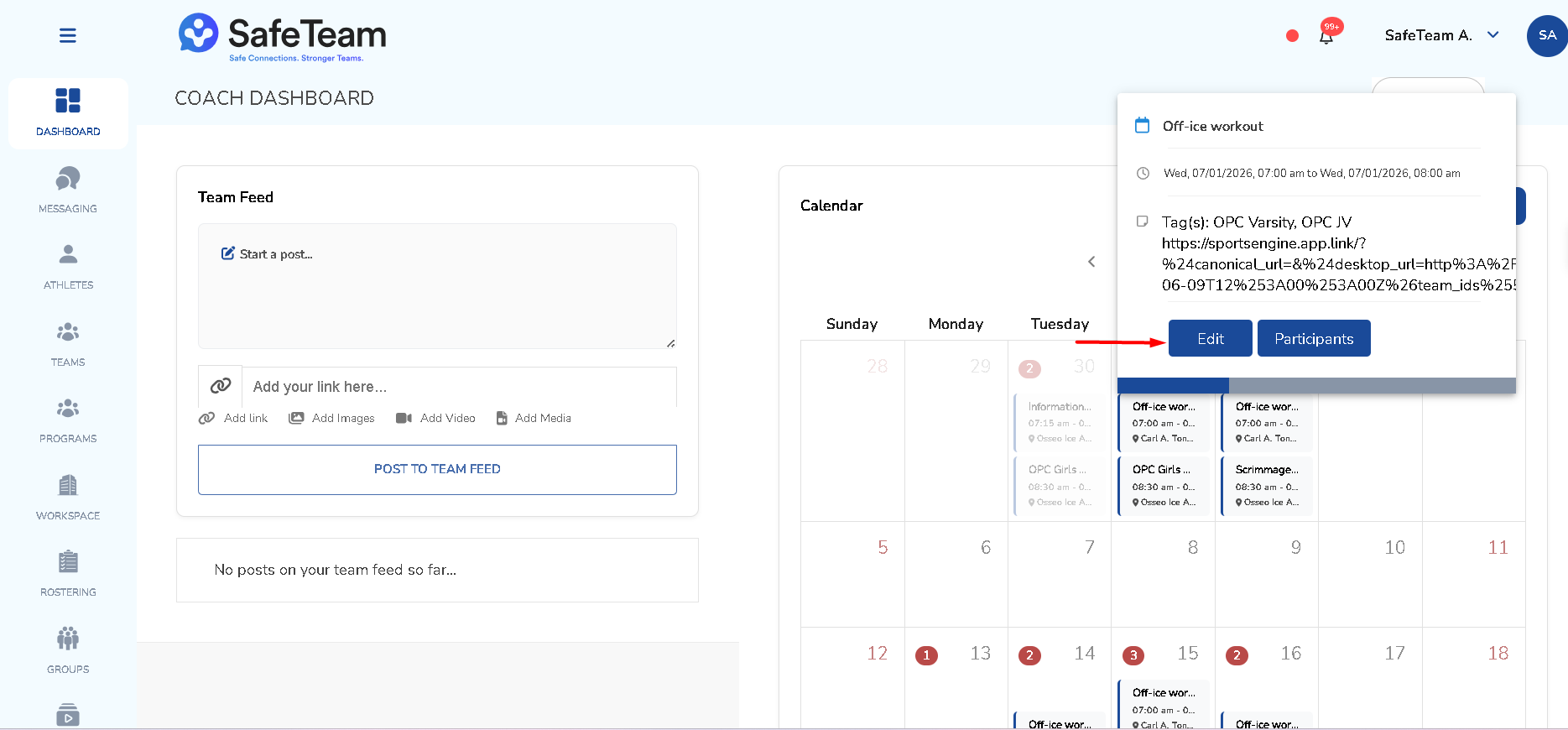
- Locate the End Recurrence setting.
- Choose how you want the series to end:
- Never – the series continues indefinitely.
- On a specific date – the series stops after the date you choose.
- After a set number of occurrences – the series stops once it reaches the number you set.
- Save your changes.
Need help?
Visit info.safeteam.io for FAQs and walkthroughs, email support@safeteam.io, or text 763-777-7279.