
How do I roster athletes to a team?
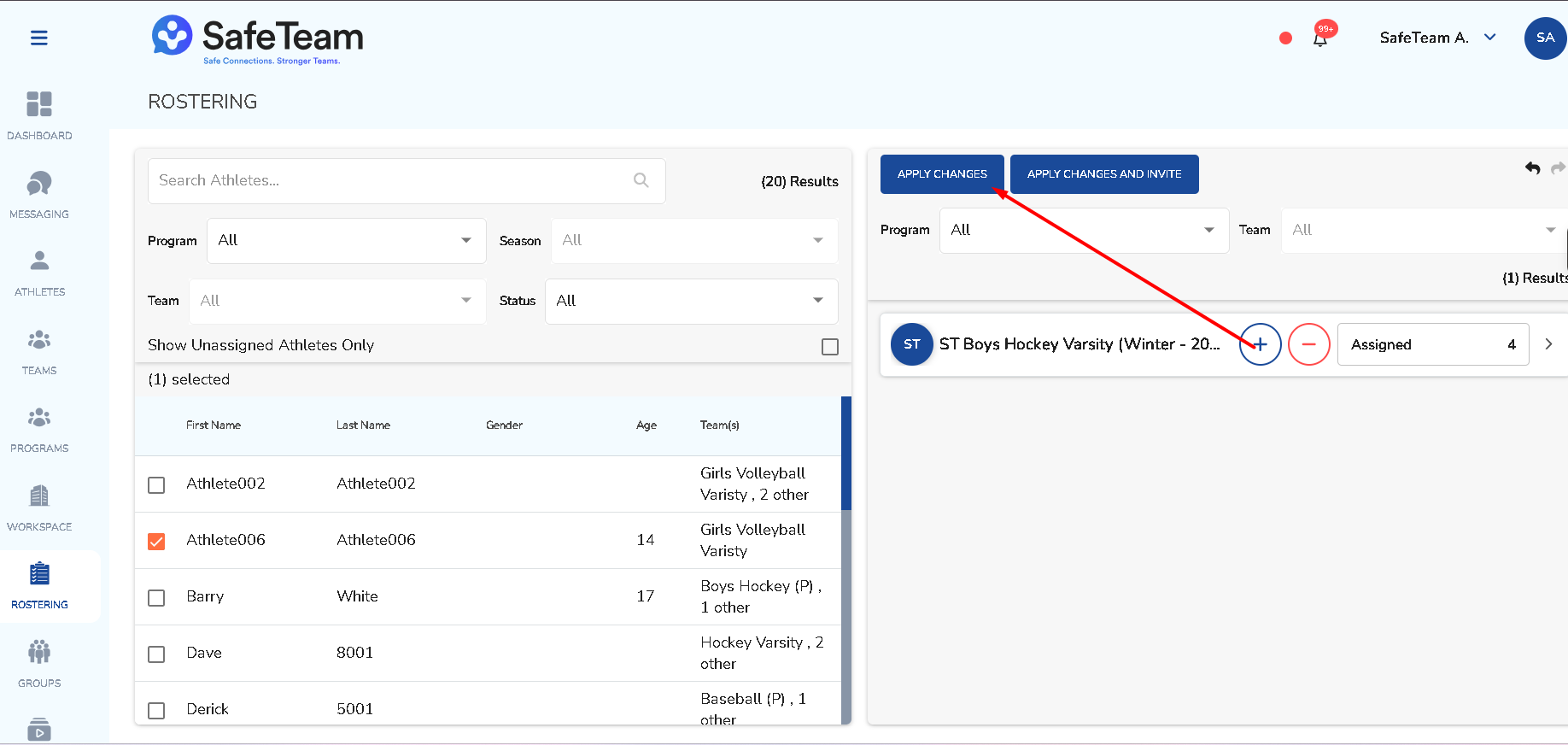
Open Rostering, filter by program and season, select athletes from the left list, choose the destination team in the right roster panel, then use Apply Changes.
Rostering athletes to a team
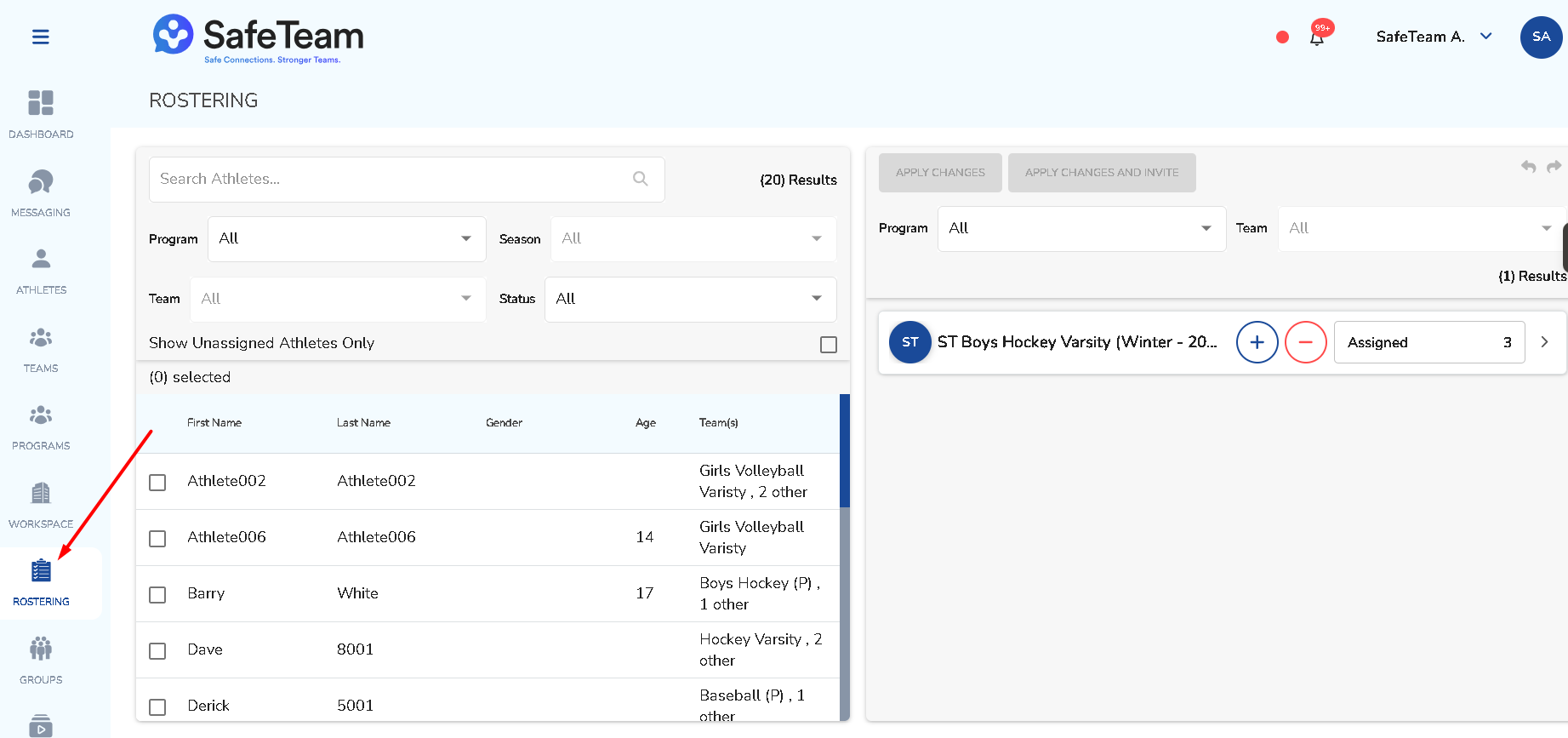
- Open Rostering.
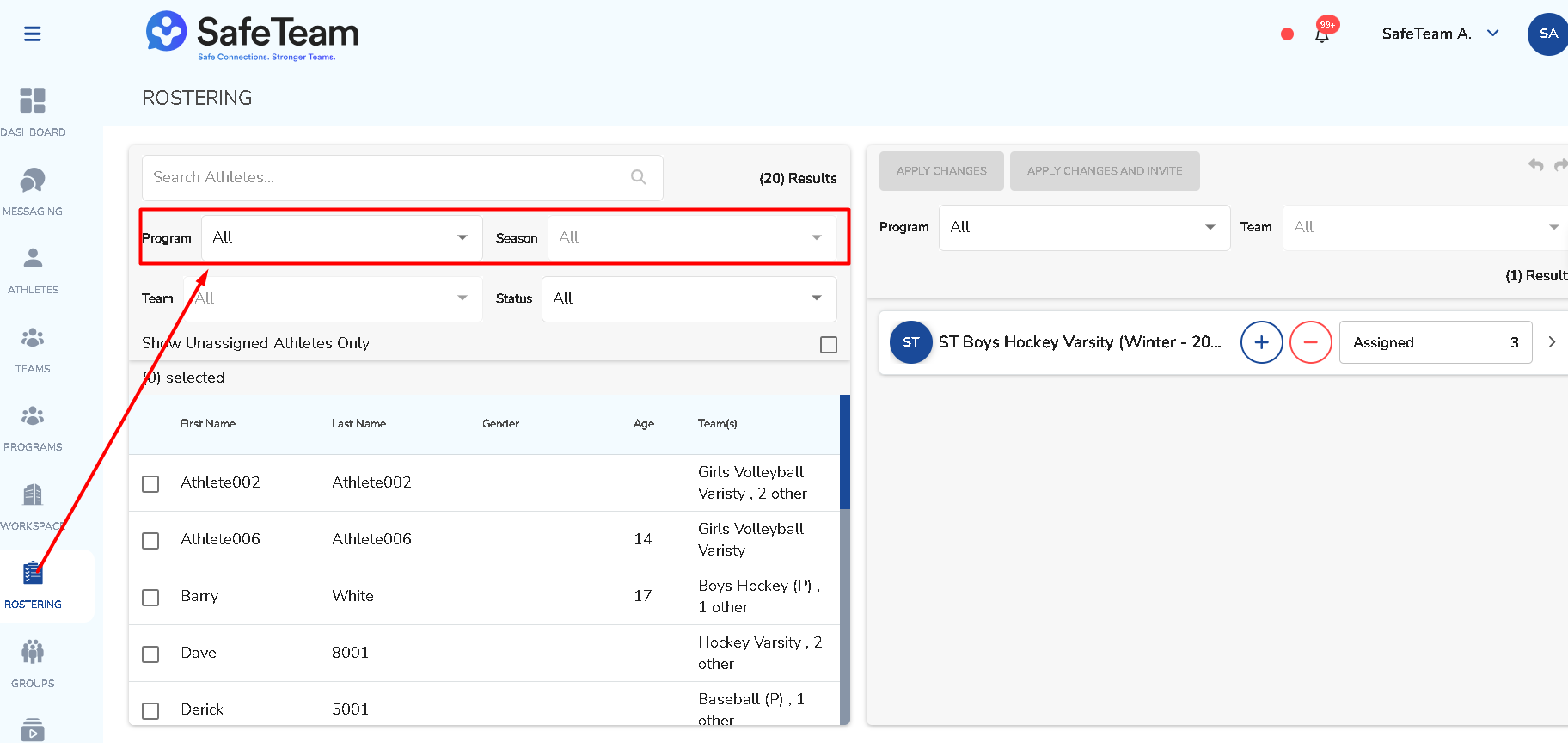
- Filter by program and season.
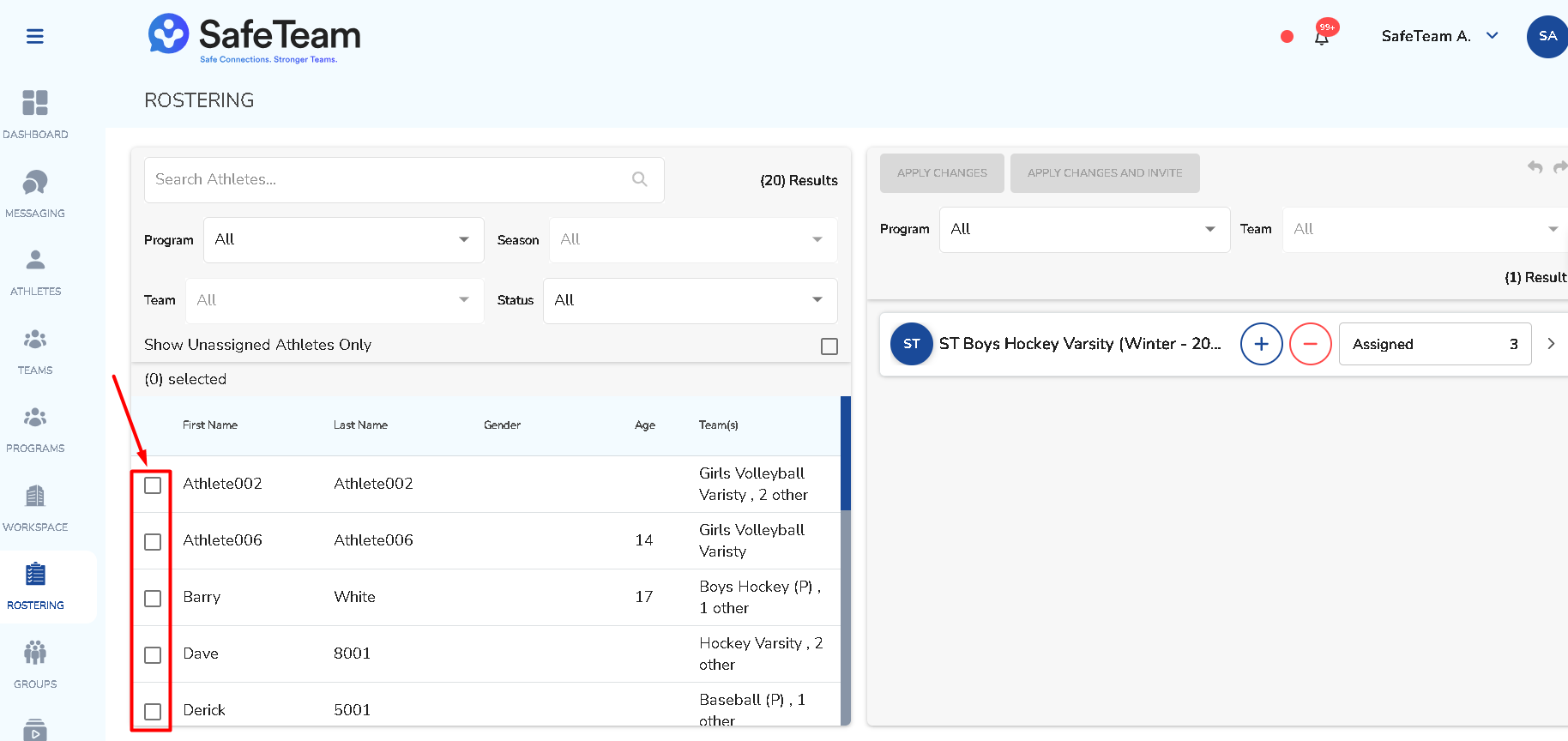
- Select athletes from the list on the left.
- Choose the destination team in the roster panel on the right.
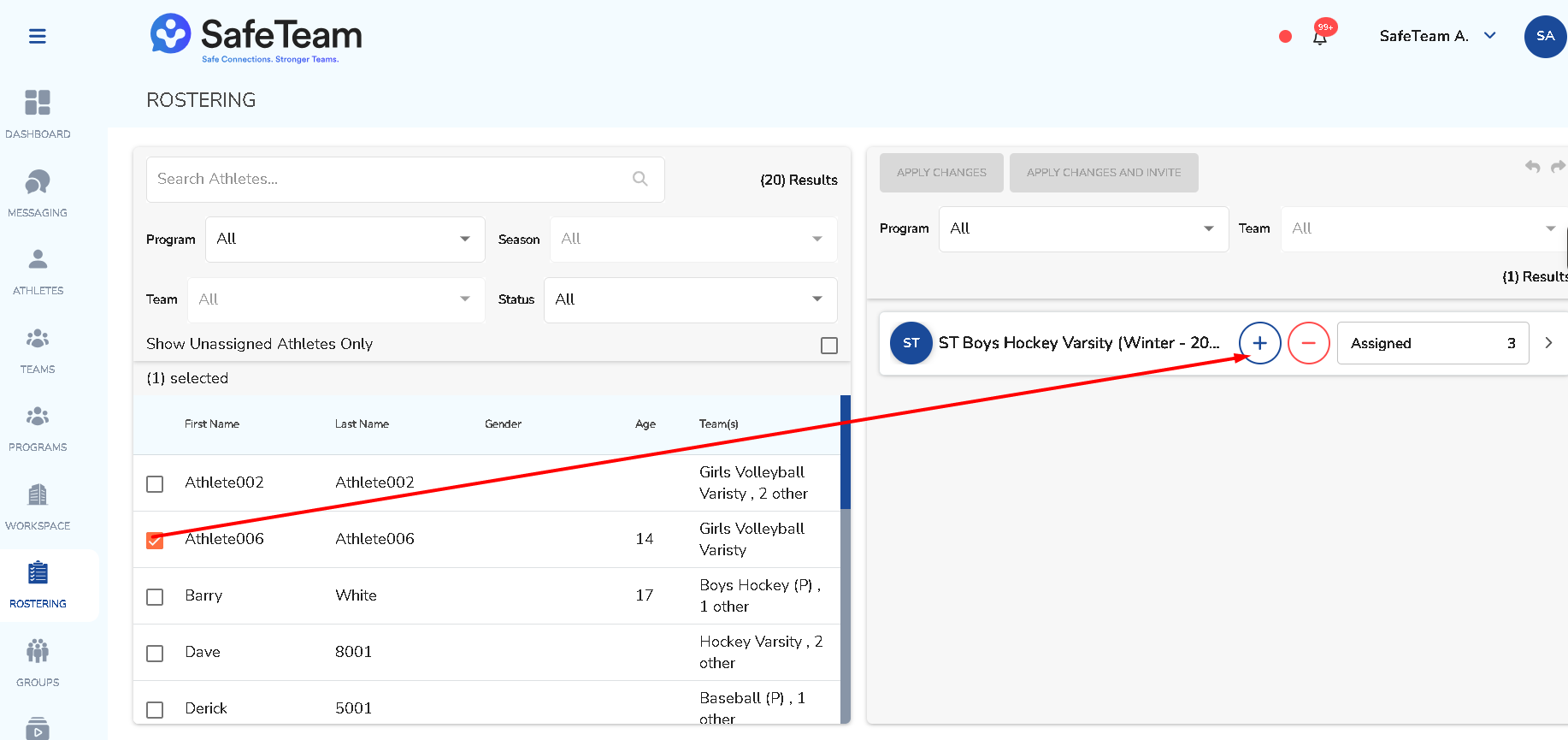
- Click Apply Changes.
Need help?
Visit info.safeteam.io for FAQs and walkthroughs, email support@safeteam.io, or text 763-777-7279.